
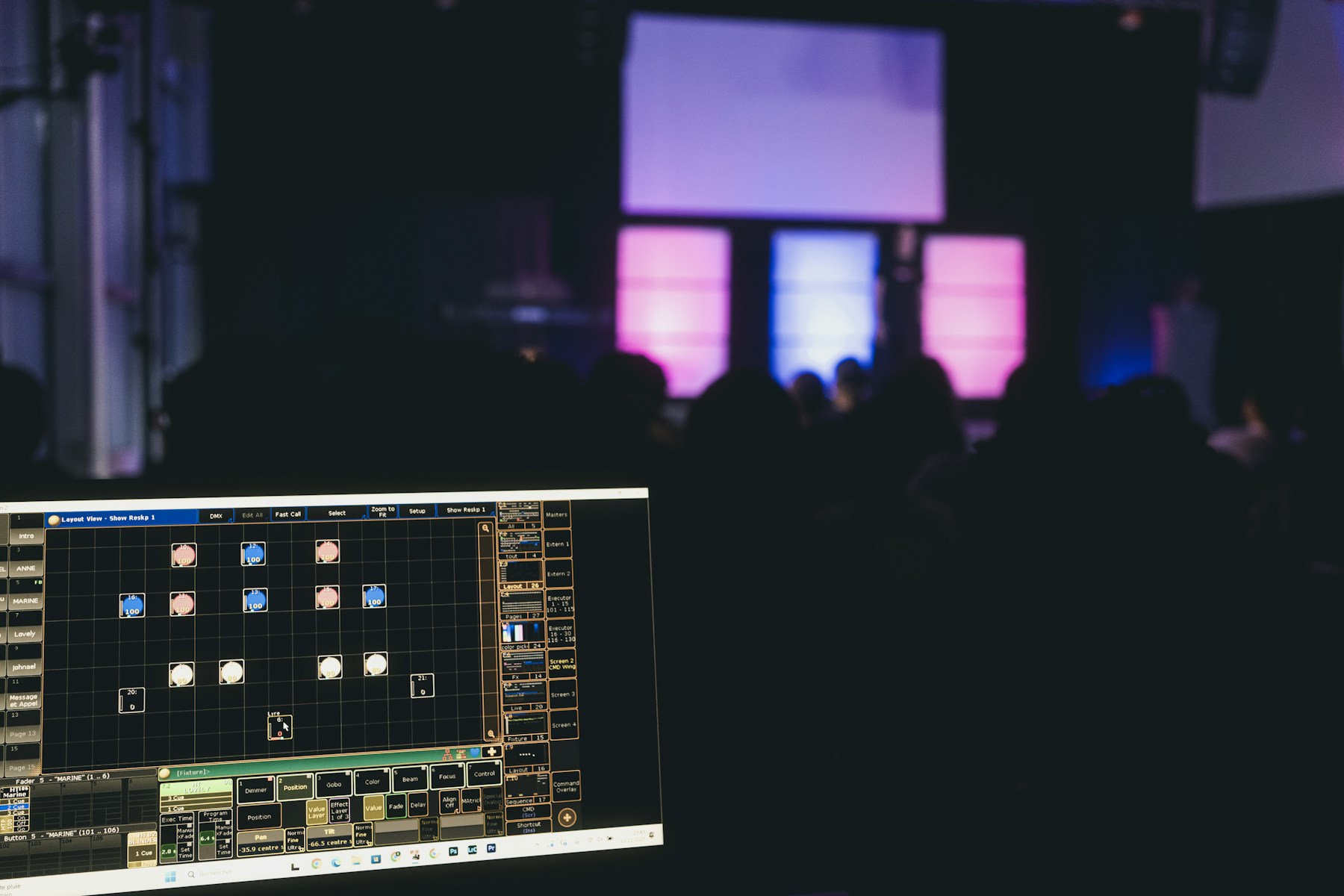
Media servers for immersive events have moved from a specialist production tool to the operational core of ambitious LED, projection-mapping and interactive experiences. That shift was underlined in September 2026 when Sphere Entertainment and Disguise announced a multi-year technology partnership focused on advanced playback capabilities and workflows. Sphere already uses Disguise systems to process, synchronise and play content in real time across an exceptionally large visual canvas.
Dubai event planners do not need a Sphere-sized venue to benefit from the same principle. Whether the project is a product launch at a hotel, an exhibition stand at Dubai World Trade Centre, a museum installation or a mapped building façade, the media server is what turns separate screens, projectors, cameras and sensors into one controlled experience.
What Is an Event Media Server?
An event media server is a high-performance hardware and software system designed to store, process, map and play visual content across one or many outputs. Unlike a conventional laptop running a slide deck, it can address unusually wide or tall pixel canvases, blend multiple projectors, map content onto irregular surfaces and respond to live inputs without breaking synchronisation.
The server sits between the creative content and the display system. It receives cues from show control, renders or plays the correct media, then sends precisely mapped signals to LED processors, projectors or other endpoints. In complex shows, several servers operate as a synchronised cluster, with dedicated machines ready to take over if the primary system fails.
Why Media Servers Matter for Immersive Events in Dubai
Dubai audiences are accustomed to polished visual experiences. A large screen alone no longer guarantees impact; the content must fit the architecture, react at the right moment and remain stable throughout the show. Media servers solve five practical challenges:
- Pixel-accurate playback: Content can be distributed across panoramic LED walls, floors, columns and scenic elements as one continuous canvas.
- Projection mapping: Warping, edge blending and masks align imagery with buildings, products and non-flat surfaces.
- Real-time integration: Live cameras, motion tracking, sensors, Unreal Engine scenes and generative graphics can become part of the show.
- Unified timing: Timecode and control protocols keep video aligned with lighting, sound, kinetic elements and special effects.
- Operational resilience: Redundant playback, signal monitoring and failover reduce the risk of a visible interruption.
This orchestration is especially valuable when a project combines technologies. A launch may use a central LED wall, mapped projection on a physical product, side screens for live camera feeds and interactive content triggered by guests. Treating each surface as an isolated playback device creates extra operators, more points of failure and inconsistent timing. A planned media-server workflow provides a single visual system.
Start With the Canvas, Not the Content File
The most common planning mistake is commissioning finished videos before the technical canvas is locked. Creative teams need the exact pixel map, aspect ratios, frame rate, colour workflow and safe areas before final delivery. For mapped surfaces, they also need an accurate 3D model.
A good workflow begins with a site survey and a display design. The production team then builds a virtual representation of the venue, including LED geometry, projector positions and audience sightlines. Previsualisation lets stakeholders review the experience before equipment reaches the site. It also exposes difficult transitions, blocked sightlines and content that will be distorted by the physical environment.
For Dubai productions with compressed venue access, this preparation is not optional. Every issue resolved in previsualisation protects valuable installation and rehearsal time.
Pre-Rendered Playback or Real-Time Content?
Pre-rendered content remains the most predictable choice for hero films, precise brand animation and high-resolution cinematic sequences. Once tested, it places a known load on the playback system. Real-time content is better when the experience must react to a presenter, visitor, camera, data feed or tracked object.
Many effective shows use both. A media server can play the main sequence while compositing a live camera feed, data layer or interactive effect above it. The decision should be based on the experience, not on novelty. If audience input adds meaning, real-time rendering is justified. If it only adds technical risk, a carefully produced playback cue may create a stronger result.
Five Specifications to Define Before Selecting a System
1. Total Pixel Load
Add the native resolution of every output, including surfaces that are not standard 16:9 screens. The server must sustain the complete canvas at the required frame rate with headroom for transitions and effects.
2. Input and Output Requirements
List physical video connections as well as network sources such as NDI, camera feeds and data inputs. Confirm how signals will be converted and distributed, and identify any points where HDCP or format conversion could cause problems.
3. Synchronisation
Define whether the production needs timecode, genlock, frame lock or cue-based control. Content that spans several LED processors or projectors must remain visually aligned, particularly when fast motion crosses a seam.
4. Interactivity and Tracking
Specify sensors, tracking systems, game-engine content and acceptable response latency. Interactive experiences should also include a fallback state so the visual remains intentional if a tracking input disappears.
5. Redundancy
For a keynote, broadcast or one-night-only launch, redundancy should be designed from the start. That may include backup servers, mirrored content, automatic signal switching, spare converters and dual network paths. A backup that has not been rehearsed is not a reliable backup.
Content Testing Is Part of System Design
Technical specifications do not guarantee a good audience experience. Test representative content at native resolution early, then verify small text, gradients, black levels, skin tones and fast movement on the actual display technology. LED walls and projectors reproduce contrast and colour differently, while cameras introduce another set of requirements for broadcast or livestream use.
A structured test process should cover long-duration playback, rapid cue changes, loss and recovery of inputs, server failover and operator handover. It should also include the least glamorous scenario: what guests see before the show, between cues and after an error. Well-designed idle states prevent a technical reset from becoming the visual focus.
A Practical Brief for Your Production Partner
When requesting a proposal, provide the venue, audience capacity, show duration, screen and projection geometry, content formats, live inputs, interaction requirements and the consequence of downtime. Ask who owns the pixel map, how version control will be handled and when final content must be delivered. Confirm whether programming, calibration, rehearsals and show operation are included.
The strongest solution is not necessarily the server with the largest specification. It is the complete workflow that matches the creative ambition, venue constraints, operator skills and risk profile.
From Big Screens to One Coherent Experience
The Sphere–Disguise partnership is a high-profile signal of a broader change: immersive events increasingly depend on the systems that process and synchronise content, not only on the displays audiences can see. For Dubai brands and venues, investing in the media-server layer means more creative freedom, faster iteration and a more dependable show.
DigiComm combines event technology with interactive content, real-time graphics and immersive production expertise. Explore our event technology services and Studio capabilities, or speak with our team to plan an LED, projection-mapping or interactive experience around a production-ready workflow.