
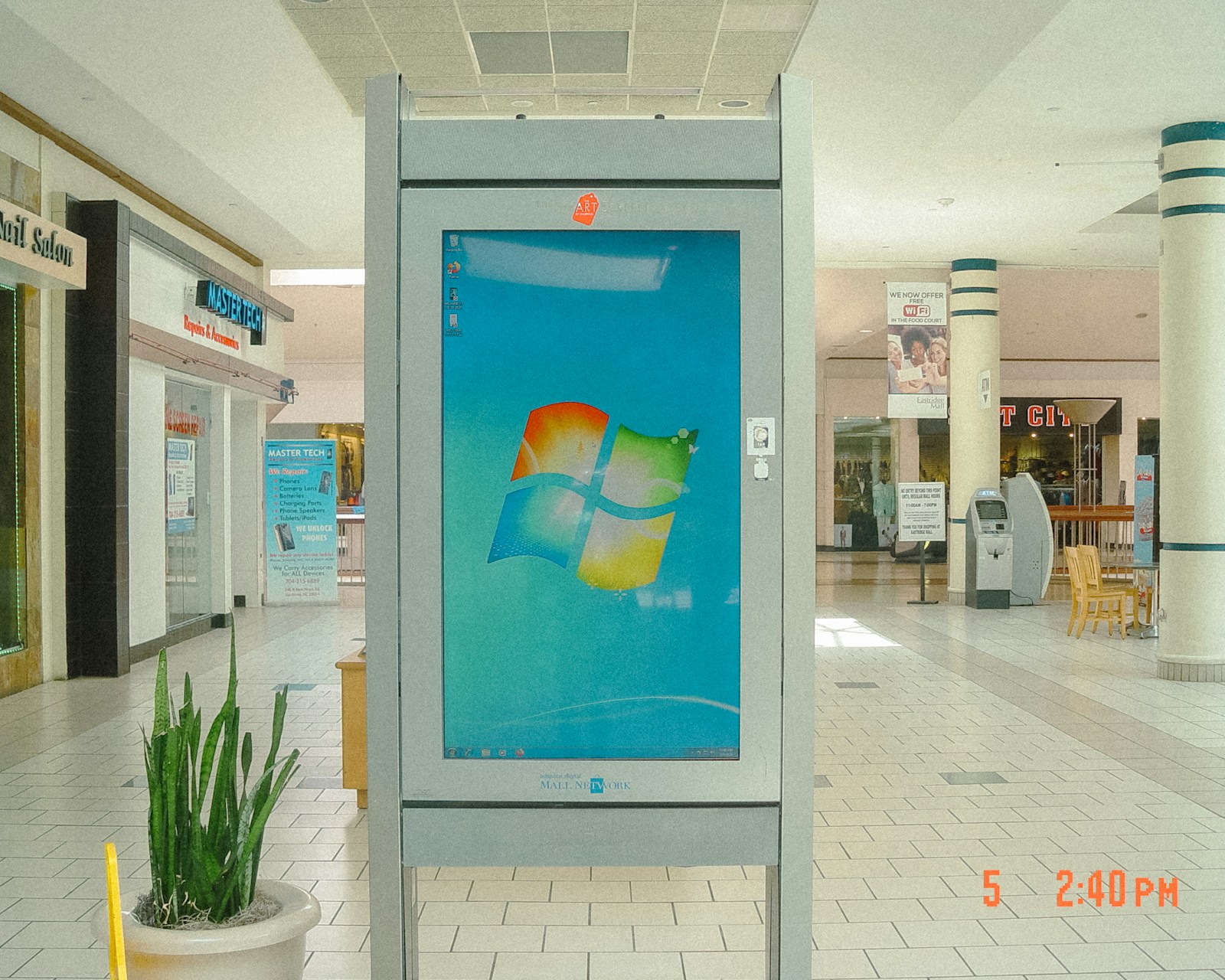
Choosing between a smart display with a built-in System-on-Chip and a dedicated media player is now one of the most important decisions in a digital signage deployment in Dubai. SoC screens have become capable enough to run many everyday signage applications without an external box. At the same time, purpose-built players remain the stronger choice for demanding content, interactive experiences and networks that cannot afford downtime.
The right answer is not simply “newer is better.” It depends on what the screen must do today, how the network will evolve, and who will support it over its full lifecycle. This guide compares SoC vs media player digital signage across cost, performance, security and reliability, with practical examples for UAE businesses.
Why SoC Digital Signage Is Gaining Ground in 2026
A System-on-Chip display places the processor, storage and operating system inside the commercial screen. Platforms such as Samsung Tizen, LG webOS and Android-based professional displays can connect directly to a compatible content management system. There is no separate player to mount, power or cable.
Recent industry analysis suggests that modern SoC platforms can now handle standard signage workloads that previously required a small PC. That makes them an attractive option for digital menu boards, staff communications, wayfinding, promotions and simple dashboards. Fewer components can mean faster installation, less visible hardware and lower power consumption.
For a Dubai retailer rolling out the same promotional playlist across dozens of stores, these advantages are meaningful. A screen, network connection and cloud CMS may be all that is required. The estate is physically clean, deployment is repeatable, and each location has fewer cables or devices that staff can accidentally disconnect.
Where a Dedicated Media Player Still Wins
An external player separates the display panel from the computing platform. Purpose-built devices such as BrightSign media players are designed for continuous signage operation, remote fleet management and precise playback. Because the player is independent, it can be replaced or upgraded without changing a perfectly serviceable display.
This architecture matters when content goes beyond a basic loop. Multi-zone 4K layouts, synchronised video walls, live data, touch interactions, sensors, computer vision and generative content can place significantly more demand on the playback device. A dedicated player also provides more predictable ports and integration options for triggers, serial control, GPIO, cameras and specialist AV systems.
Consider an interactive product wall in a Dubai flagship store. When a customer lifts an item, a sensor may trigger product information, change nearby lighting and update several displays in sync. The experience has to respond immediately and recover automatically after a fault. In that situation, a dedicated player offers the processing headroom and control that the installation requires.
SoC vs Media Player: Six Factors to Compare
1. Content complexity
SoC is well suited to full-screen images, video, HTML pages and straightforward playlists. Choose a dedicated player when the design includes several simultaneous media zones, high-bitrate 4K video, advanced HTML5 applications, real-time rendering or frame-accurate synchronisation. Test the actual content rather than relying only on a specification sheet.
2. Total cost of ownership
Removing an external box can reduce hardware, mounting, cabling and installation costs. However, the initial saving is only part of the calculation. If the embedded processor becomes unsupported while the panel still works, upgrading may mean replacing the entire display. With an external architecture, a relatively inexpensive player refresh can extend the useful life of the screen.
3. Reliability and recovery
Fewer devices can mean fewer physical failure points, which supports the SoC case. Dedicated signage players counter with watchdogs, offline playback, scheduled reboots, detailed logs and remote recovery features built for unattended operation. For airports, control rooms, transport, critical visitor information or revenue-generating retail screens, recovery capability deserves as much attention as headline uptime.
4. Security and updates
Every connected screen is an IT endpoint. It should have unique credentials, current firmware, restricted outbound access and its own segmented network. With SoC, the display manufacturer controls the operating-system lifecycle. With a dedicated player, compute updates can be managed separately from the panel. A purpose-built signage operating system may also expose fewer unnecessary services than a general-purpose PC, but it still needs an explicit patching policy.
5. CMS compatibility and management
Confirm that the chosen CMS supports the exact display model and firmware version, not merely the brand. Ask whether the platform can report screenshots, storage, temperature, connectivity, application health and proof-of-play. A low-cost endpoint becomes expensive when a technician must travel across the UAE to diagnose a blank screen that the CMS cannot inspect.
6. Future integrations
A menu board that only plays offers today may need to connect to inventory, point-of-sale data or audience analytics next year. Map likely integrations before standardising the hardware. If the roadmap includes interactive displays and sensor-led experiences, an external player can provide useful flexibility. If the application will remain stable for the display's lifetime, SoC may be the more efficient choice.
Best-Fit Use Cases for Dubai and the GCC
Choose SoC smart displays for standard retail promotions, corporate communications, room schedules, simple wayfinding and digital menus where content is consistent and the CMS has certified support. These deployments benefit most from clean installation and rapid scaling.
Choose dedicated media players for interactive kiosks, experiential retail, large-format LED, multi-screen synchronisation, high-value event installations and networks with sophisticated data integrations. They are also a strong fit when the display and computing lifecycles need to be managed independently.
Choose a hybrid network when an estate contains both simple and advanced endpoints. A shopping destination might use SoC displays for directional messages while deploying BrightSign players for interactive directories and campaign features. The priority is to manage both through a coherent operational workflow rather than forcing every screen into one hardware pattern.
A Practical Procurement Checklist
- Define the content: resolutions, codecs, zones, live feeds and interactivity.
- Set the duty cycle: 12/7, 16/7 or 24/7 operation and expected ambient conditions.
- Verify support: exact CMS, firmware, remote diagnostics and update period.
- Plan the network: segmentation, credentials, certificates and bandwidth.
- Model five-year cost: installation, licences, power, support visits and refreshes.
- Run a pilot: test real content, interruptions, offline playback and recovery.
A pilot is particularly valuable in the UAE, where heat, long operating hours, dense wireless environments and geographically distributed sites can reveal issues that are invisible in a meeting-room demonstration.
The Verdict: Match the Endpoint to the Experience
SoC is no longer a compromise for every application. In 2026, it is often the rational choice for simple, repeatable signage. But a dedicated media player remains the better foundation when performance, extensibility, independent upgrades or operational resilience are central to the business case.
DigiComm helps organisations across Dubai and the wider MEA region design, deploy and manage digital signage around the experience they need—not a one-size-fits-all device list. Explore our digital signage products or contact DigiComm to evaluate the right SoC, BrightSign or hybrid architecture for your network.